AI for law firms with strict confidentiality needs
A law firm works with information that clients have shared in confidence. It must not spread, and every wording can matter. AI can still give lawyers more time for what needs their judgement, as long as it runs in the firm's own environment.
 iSearch
Contents
An associate is working late on a contract. She knows the firm has drafted similar clauses before, and that one of the partners has a memo on exactly this question. But where? She searches the document system, asks a colleague in the corridor and eventually finds what she was looking for, an hour later than she had hoped.
Law firms are full of knowledge like this. Templates, memos, earlier contracts and internal practice built up over many years. It is valuable, but hard to find. At the same time, it is hard to let a new tool in when every document is confidential.
Client files stay with the firm
For a law firm, the first question is always where the information ends up. A public AI service runs at another party, and whatever is typed in leaves the firm. For client information that is rarely an option, however good the service.
An internal AI can run in the firm’s own environment. The software, the documents and the language model are then with you, and air-gapped, the environment has no internet connection. Client files never leave the firm. What is typed in is used to answer your questions and never to train models. We look more closely at organisations with strict confidentiality needs in the article on AI for strict confidentiality.
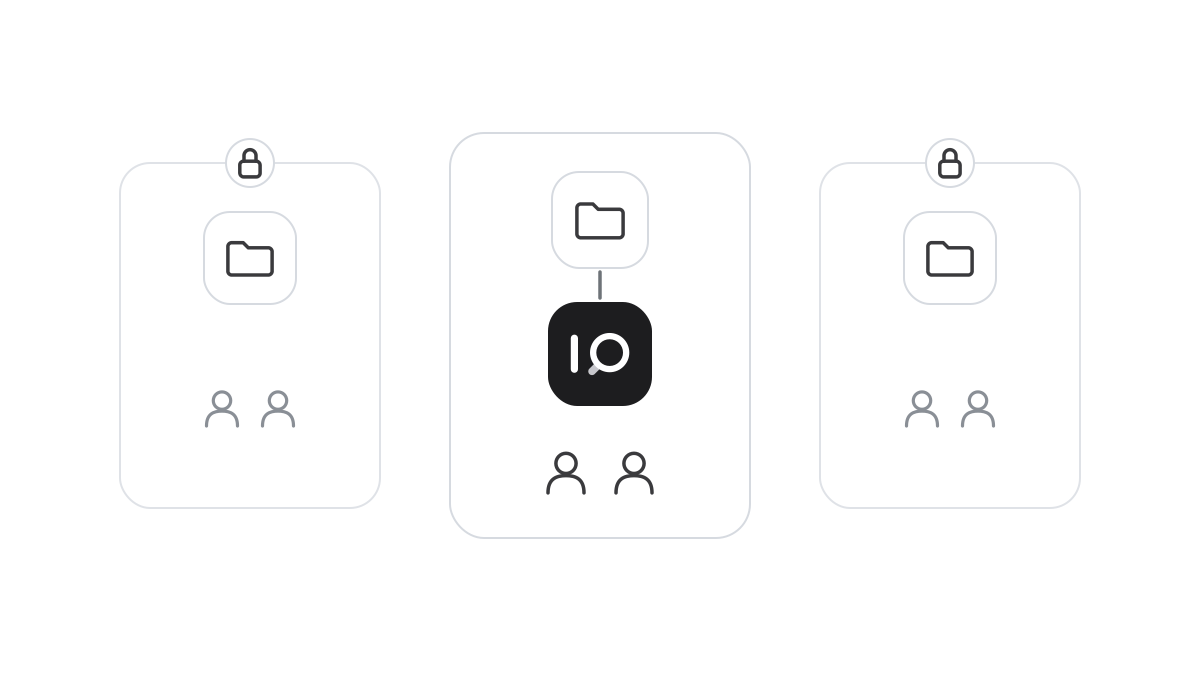
Just as important, not everyone at the firm sees everything. A matter should only be reached by those working on it, and one client’s information should not surface in another team’s work. With role-based access, material can be limited per matter or team, so the assistant only answers from what the user is already allowed to see. Sign-in uses SSO and MFA, sensitive changes need approval from two people and everything is written to a tamper-evident audit log. There is more on this in the article on permissions in AI.
Answers from the firm’s own experience
When the firm’s templates, memos and earlier contracts are connected to an assistant, a lawyer can ask in plain words. How have we worded the limitation of liability in similar contracts? What did we conclude in the memo on this question? The assistant searches the firm’s own material and answers, with a reference to the documents the answer is based on.
The source is essential. A lawyer cannot build advice on an answer that has to be taken on trust. With the source at hand, she can open the memo, read the reasoning in context and judge whether it applies. It is the firm’s collective experience that becomes easier to reach.
It makes a difference for people new to the firm, too. An associate gets access to the same practice the partners have built up, and colleagues are not interrupted with questions about where things are.
Drafts the lawyer is responsible for
An assistant can also produce a first draft from the firm’s own templates. A letter, a clause, a summary of a contract. That saves time in the stage that is often the most mechanical.
But the draft is exactly that. The lawyer reads, adjusts and decides, and responsibility for what goes to the client stays with her. AI supports legal judgement, never replaces it.
How it works in iSearch
The whole chain in iSearch can run in the firm’s own environment, fully isolated when required. Every customer gets a separate installation of its own, and client information stays with you and is never used to train models.
The assistants answer from the firm’s own templates, memos and contracts and show which documents were read. SSO, MFA, role-based access, the four-eyes principle, a tamper-evident audit log and legal hold are included.
Read more about security, see how iSearch is used or book a walkthrough.
Want to see how it would work for you?
We’ll show you iSearch with your own documents.