AI for organisations with strict confidentiality needs
Public authorities, law firms and insurers handle confidential information every day. AI can still do a lot of good, as long as it runs in your own environment and follows the same permissions as your other systems.
 iSearch
Contents
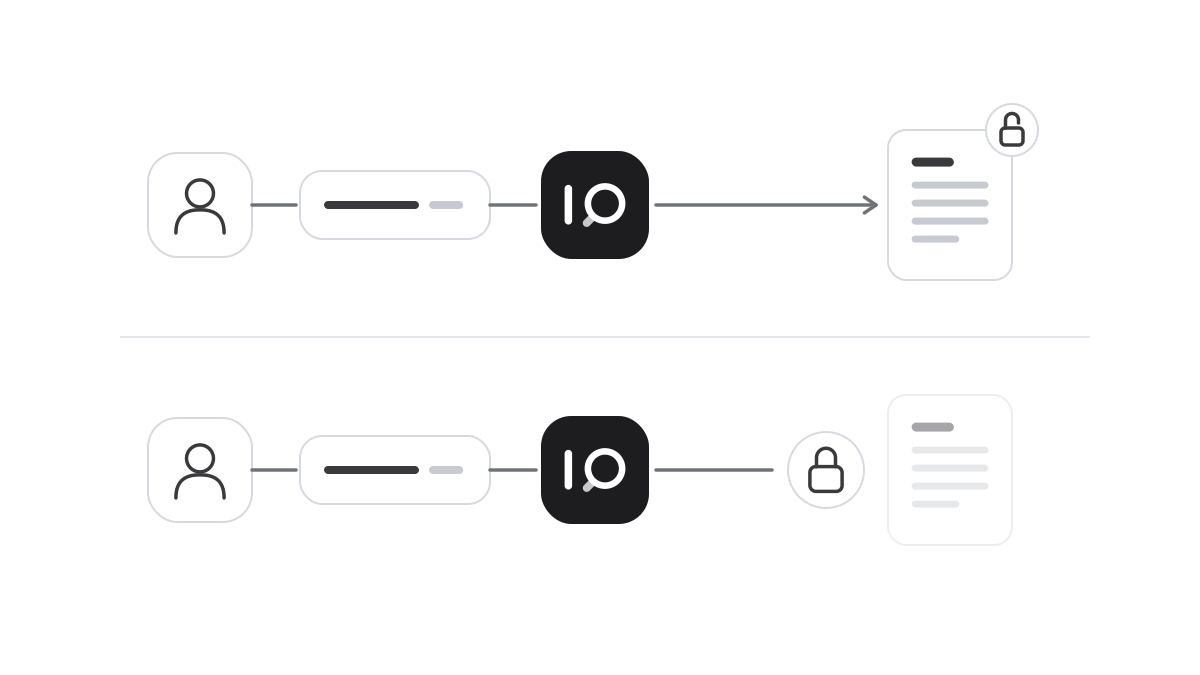
Some organisations cannot let data leave the building at all. A public authority handles data about individual people. A law firm holds client files on disputes, transactions and criminal cases. An insurer holds claims, health information and financial circumstances in its systems.
Here it is not enough for an AI service to give good answers. You must also be able to show where the data is, who can reach it and what each answer is based on. With your own installation that is possible, without having to choose between confidentiality and value.
Where the value is greatest
It is no coincidence that these organisations have so much to gain. They are heavy with documents. The authority has regulations, case-handling routines and previous decisions. The firm has contracts, memos and internal practice built up over many years. The insurer has several generations of policy terms and guidelines for assessing claims.
Someone new in an organisation like this needs a long time to find their way. Someone experienced often knows where the answer is, but still has to search. An assistant that answers from your own material, and shows which document the answer came from, can shorten that time considerably. And it gives everyone the same answer.
It starts with where the data is
The most important question is simple. Does anything leave the organisation? With a cloud service, questions and document excerpts are sent to another party. That requires contracts, assessments and trust in someone else’s handling. For information covered by confidentiality or professional secrecy, that can be an obstacle in itself, however good the contract.
With your own installation, the software, the documents and the language model are with you. Air-gapped, the environment also has no internet connection. There is no way out for the data, and the assessment becomes far simpler. What is typed in is used to answer your questions and never to train models.
Access needs to be as fine-grained as in the rest of the organisation. A case should only be seen by those working on it, and a client file should not reach the wrong department. Staff sign in with SSO and MFA, and with RBAC the role decides which material both the user and the assistant can reach. Sensitive changes need approval from two people, and everything is written to a tamper-evident audit log that can be connected to your SIEM. When data must be preserved ahead of a dispute or review, legal hold exempts it from deletion.
Start small, with the right material
Pick a well-defined task where the need is clear. It could be case-handling routines, a set of policy terms or the firm’s internal practice. Connect only the documents that are needed, and let a small group start. It becomes easy to see the value, and to show that control holds, before more people get access.
Think about how the answers are used, too. Where decisions must be justified, an answer taken on trust is not good enough. When every answer shows which documents it is based on, the case handler, lawyer or claims handler can check the material themselves. AI supports judgement, and responsibility stays with people.
How it works in iSearch
The whole chain in iSearch can run in your own environment, fully isolated when required. Every customer gets a separate installation of its own, and confidential information stays with you.
SSO, MFA, role-based access, the four-eyes principle, a tamper-evident audit log and legal hold are included. Traffic is protected with TLS and stored data with AES-256. Every answer shows which documents were read, and your data is never used to train models.
Read more about security, see how iSearch is used or book a walkthrough.
Want to see how it would work for you?
We’ll show you iSearch with your own documents.