Is your own installation or a cloud service the better fit?
There is no answer that suits everyone. The choice depends on your requirements, your IT organisation and how sensitive the data is. Here is a simple path to the right decision.
 iSearch
Contents
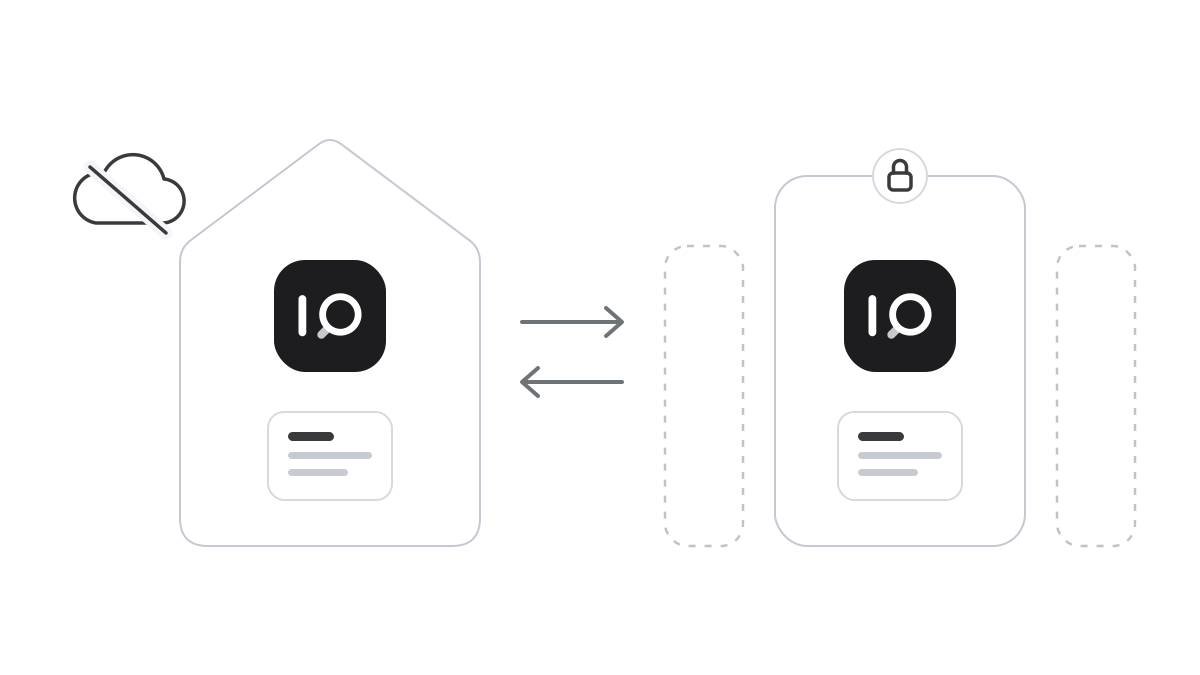
One of the first decisions when an organisation introduces AI is not about features. It is about where everything should live. Should the assistant run on your own servers, or should the supplier run it for you? Both can be right. What decides it is which data will be used, which requirements apply and how much you want to take care of yourselves.
When your own installation is right
With your own installation, everything runs in your environment. The software, the documents and the language model sit on servers you control, and air-gapped, the environment can have no internet connection at all. No question and no document needs to leave the organisation.
It is the natural choice when the data is especially sensitive. Patient records, confidential information, customer data in the financial sector or trade secrets nobody wants to see outside the building. It is also a good choice when your security team wants to review everything itself, or when you already have an operations team used to running its own systems.
The price of control is responsibility. Someone has to look after the servers, the updates and the backups. For many organisations that is simply part of everyday work. For others it is exactly what they would rather avoid.
When the supplier runs it
If you do not want to, or cannot, run the servers yourselves, the supplier can do it for you. Then it is important to separate two things that are often confused. A shared cloud service, where many customers use the same environment, is something quite different from a separate installation that is yours alone.
A separate installation gives much of the control without the operational burden. Your documents are not mixed with anyone else’s, and your data is not used to improve the service for others. You need a data processing agreement and clear answers on where the installation is and who can access it. With those in place, it is often the easiest way to get started.
The same requirements either way
Wherever the installation sits, the requirements should be the same. Staff sign in with the account they already have, with two-step verification. Their role decides what each person can see. Everything that happens is written to an audit log that cannot be changed afterwards, and traffic and stored data are encrypted.
Perhaps the most important requirement is not to lock yourselves in. A solution that only works in the supplier’s cloud makes the choice for you. One that can run either way lets you start where it suits you today and move if your needs change. An organisation might begin with a supplier-run installation for internal routines, and bring everything in-house later when more sensitive data comes into play.
So think about which data you want to be able to use a year from now, and choose a solution that can handle it.
How it works in iSearch
iSearch can run either way. You can keep the whole chain in your own environment, fully isolated when required, or let us run it in a separate installation that is yours alone. The features and the security are the same.
SSO, MFA, role-based access and a tamper-evident audit log are included. Traffic is protected with TLS and stored data with AES-256. Every answer shows which documents were read, and your data is never used to train models.
Read more about security, see the product or book a walkthrough.
Want to see how it would work for you?
We’ll show you iSearch with your own documents.