AI for everyday work. In your own environment.
iSearch gives your people answers with sources, drafts and minutes, and access follows your organisation. The whole chain can run on your premises, or we run it for you in Sweden.
The challenge
The knowledge is already there. It takes too long to reach.
Knowledge often sits with a few people, or takes too long to reach when it is needed. iSearch makes it available in the work.
The whole chain
From question to answer, in your own environment.
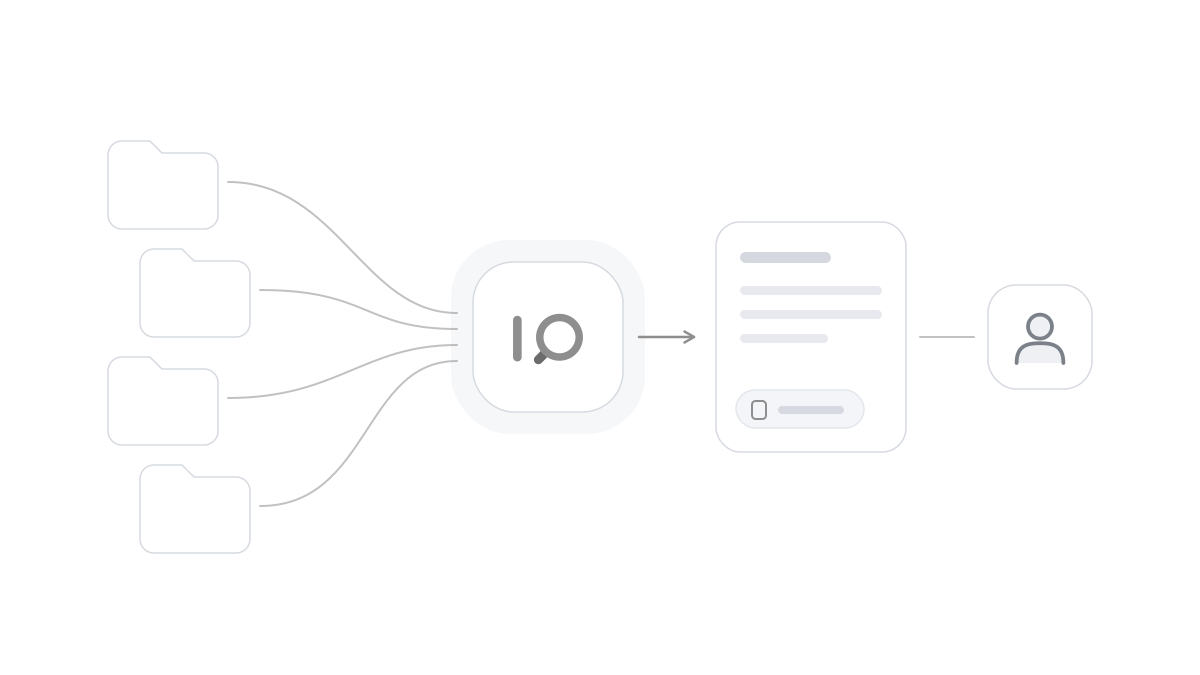
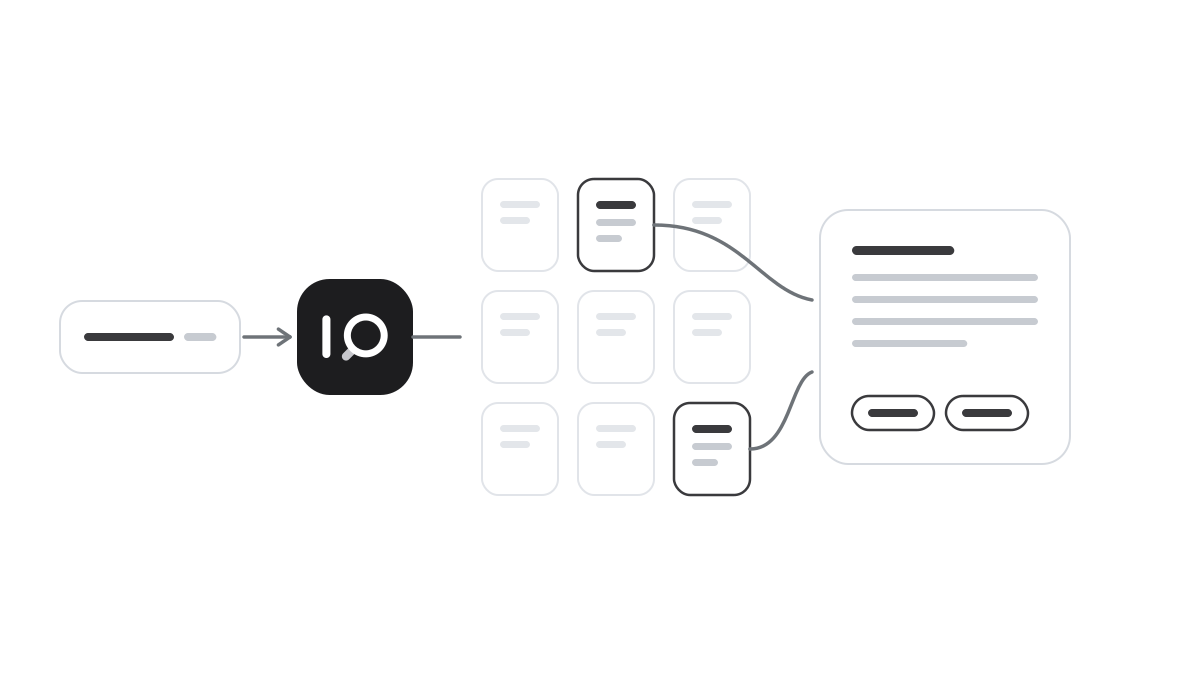
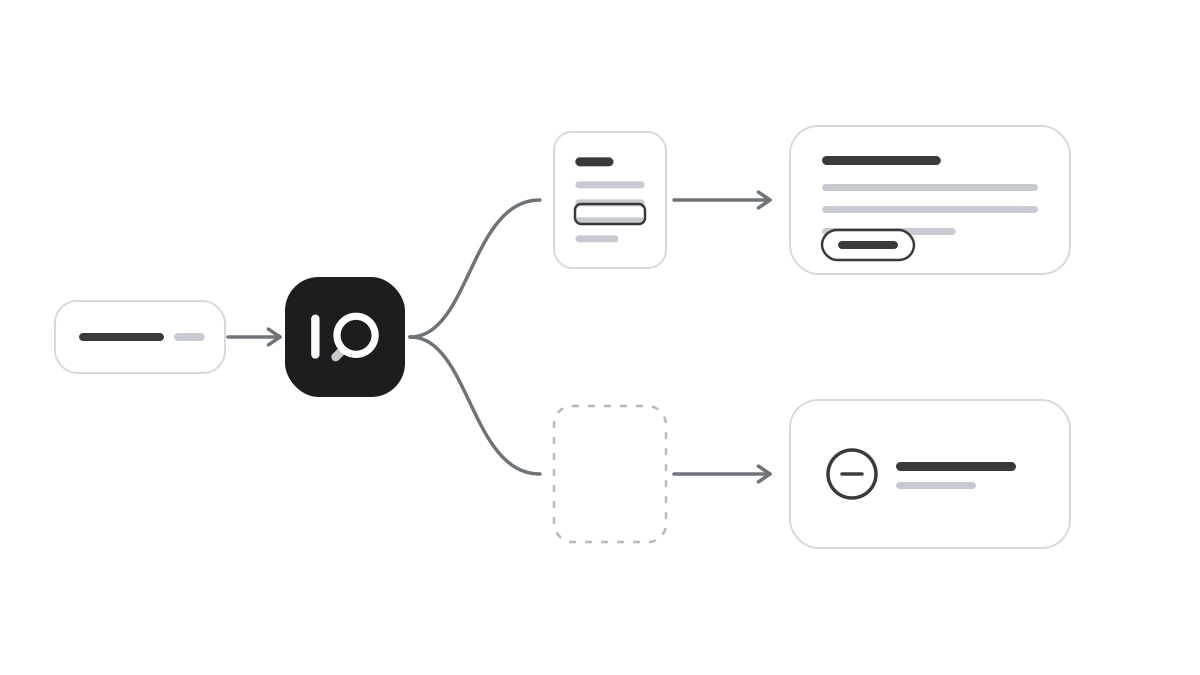
A signed-in colleague asks. Permissions decide which material may be used, the language model in your environment writes the answer and every event goes into the log.
 iSearchYour environment On your premises, or in a dedicated environment we run for you in Sweden. HR assistantiSearch
Signed in with the company account and two-step verification
How do I apply for parental leave?
- Staff handbook.pdfAll staff Retrieved
- Leave rules.pdfAll staff Permitted
- Work environment policy.pdfAll staff Permitted
- Manager handbook.pdfManagers No access
- Reference projects.docxProposals team No access
- Service manual.pdfService team No access
You apply as described in the staff handbook. It sets out the details you need, how to submit the request and who approves it.
Audit logEvery event is recorded and linked to the one before.
Where the work happens.
An assistant for each part of the work, on the computer and on the phone. The conversation carries on across Windows, macOS, iOS and Android.
Support for everyday clinical work.
iSearch is used in healthcare today for guidance, dictation and referral drafts. The doctor reviews and remains responsible for what is written.
How it works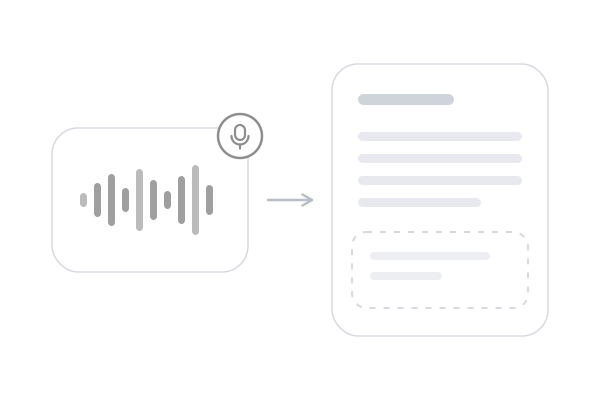
From meeting to minutes.
Everyone can stay in the conversation. The minutes are ready afterwards.
How it worksFrom handbook to answer.
New and experienced staff get the same answer, with the source shown.
How it works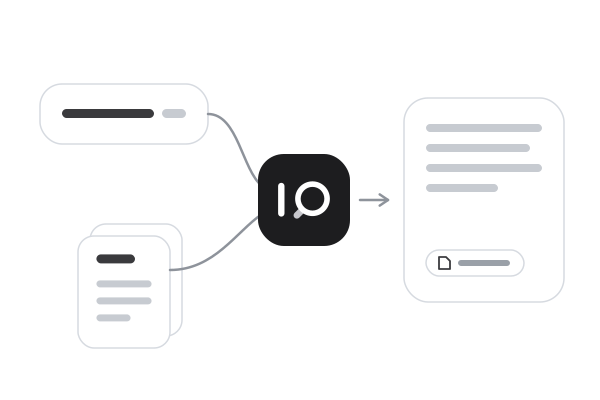
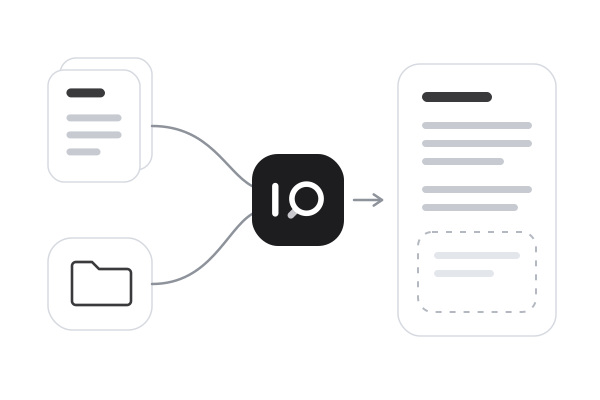
From manual to answer, on site.
Manuals and service agreements are on your phone, where the work is done.
How it works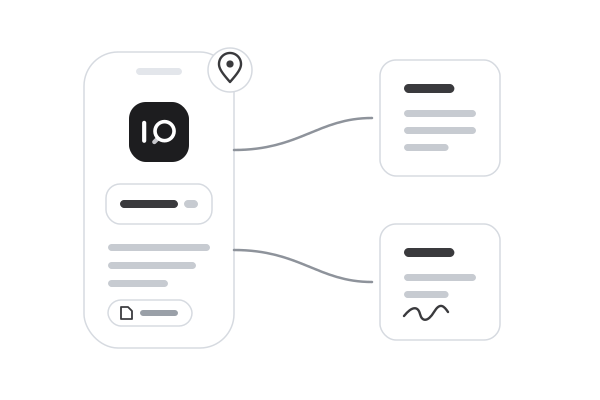
The whole chain can stay with you.
From sign-in to language model, iSearch can run in your own environment. Your data is never used to train models.
How your data is protected
-
On your premises
The whole chain in your own environment, the language model included, with no public AI services.
-
With us in Sweden
We run iSearch for you in Sweden, in an environment of its own for your organisation.
-
Access that follows your organisation
Each assistant reads the material it has been given. Only the people allowed to use it can reach it.
About AI
Want a clearer picture of AI?
How AI works and when its answers can be trusted. Explained simply.
Common questions
Is this the same as a public AI service? +
No. iSearch answers from the material you connect, with sources you can follow. It is an assistant for your organisation.
We already have AI in our office apps. Why iSearch? +
That helps inside the apps you already use. iSearch is assistants you set up for a task, with the material you choose. Many teams use both.
Can colleagues use the same assistant? +
Yes. You choose who may use it, and you keep how it is set up. Each person has their own history.
Is our data used to train AI? +
No. We never use it to train models or to improve the product for others.
Can the whole chain run in our own environment? +
Yes. iSearch can run fully offline in your own environment, the language model included. If you would rather we ran it, we do so in Sweden, in an environment of its own for your organisation.
Do we have to change systems? +
No. You start with the material you already have.
Would you like to see iSearch in your day?
We walk you through how iSearch can support your work, then set it up together with you.