How to stop AI from making up answers
An AI that sounds confident but is wrong is worse than no AI at all. The risk cannot be wished away, but it can be managed. With the right material, sources and control, answers become something you can trust.
 iSearch
Contents
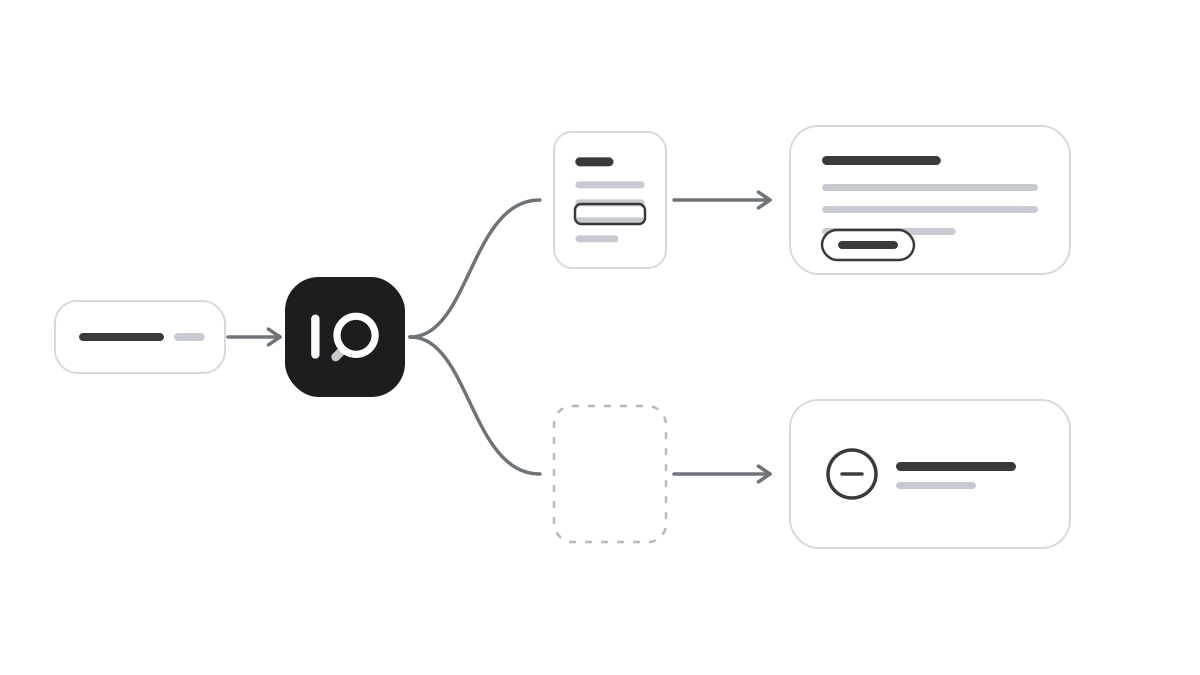
Anyone who has tried AI has seen it at some point. An answer that sounds convincing but is not right. A reference to a routine that does not exist, or a figure nobody can trace. It is sometimes called hallucination, and it is the most common reason organisations hesitate.
The risk cannot be wished away. But it can be managed, and with the right conditions it becomes small.
Why AI makes things up
A language model is built to write text that sounds plausible. It has no built-in stop that says it does not know. If the material is missing, it sometimes fills the gap itself, in the same confident tone it uses when it is right.
The risk is highest when the model answers from memory, about things it has never seen. Your internal routines, contracts and decisions are not in its general training. Ask such a model how your organisation handles complaints and you get an answer about how it is usually done. It can sound entirely right and still be wrong for you.
Let it read instead of guess
The most important step is also the simplest. The assistant should not guess how you work. It should read it. When the answer is based on your own, current documents, the room for making things up shrinks dramatically. The model writes, but the content comes from you.
Then require every answer to show its source. An answer with a source can be checked, and the source also makes it clear when the material is thin. If no relevant document is found, that should be visible rather than hidden behind well-written text.
The material needs to be in order too. Old versions, duplicates and drafts that never became decisions create confusion, and the assistant cannot know which of two conflicting documents applies. Remove what no longer applies, or move it to an archive the assistant does not read. Give every collection of documents an owner who keeps it current.
A clear job and a person in the loop
An assistant meant to know everything finds it harder to answer correctly. One assistant for HR questions, one for customer service and one for quality routines give sharper answers, because each reads only what belongs to its task. That reduces the risk of an answer mixing up routines from different parts of the organisation.
Give each assistant clear instructions too. Ask it to stick to the material, to say when it cannot find the answer and to point to the right person when the question is out of scope. Some questions should not be answered by an assistant at all, such as individual HR cases or legal judgements. An assistant that refers onwards is always better than one that guesses.
Finally, keep a person in the loop. Make it a habit to open the source when the answer goes on to a customer, a decision or a record. It takes seconds. Let users flag answers that were wrong and review them regularly. The cause is usually a missing document, and that can be fixed.
You cannot get an AI that is never wrong. But you can get one that always shows why it answers the way it does. Then whoever reads the answer can open the source and check it before it is used.
How it works in iSearch
In iSearch, the assistant answers from your own documents, and every answer shows which documents were read. You write the instructions and choose which knowledge banks each assistant may use.
The whole chain can run in your own environment, the language model included, and your data is never used to train models.
See how the product works, read more about security or book a walkthrough.
Want to see how it would work for you?
We’ll show you iSearch with your own documents.