What is an AI agent? A simple explanation
An AI agent is a language model that is allowed to use tools and works in several steps until the task is done. The value and the risk come down to which tools the agent is given and which boundaries apply around it.
 iSearch
Contents
The term AI agent is used for everything from an ordinary chat to systems that work on their own for hours. It comes down to a language model, tools the model is allowed to use and a loop that lets it carry on until the task is solved.
An assistant answers, an agent acts
A language model does one thing. It takes in text and writes text back. On its own it cannot read an inbox, search a database or book a meeting. A simple chat assistant works the same way, one answer per question.
An AI agent can do more. It can use tools, and it can carry on over several steps without anyone writing a new question between each one. You give it a goal, and it gets there by searching, reading, calculating or changing something, step by step.
A tool call works like this. The software around the model describes in advance which tools are available, such as a search or a function that fetches a case. When the model needs a tool, it replies with a structured request to use it. The software makes the call and returns the result, and the model reads it and moves on.
So the model carries out nothing itself. The software around it runs the tools, and that is also where the limits are set. Which tools exist, what they can reach and which calls need approval are decided in that code. Where the tools run matters too. Some services run certain tools at the provider, others let them run in your own environment. That affects where your data is sent.
The memory is what gets sent along
A language model remembers nothing between two calls. What looks like memory is the software sending the whole conversation each time, with instructions, questions, earlier answers and results from the tools. All of it has to fit in the model’s context window, the text the model can see at once.
The instructions at the start are called the system prompt. They set out the agent’s role, how it should work and what it should avoid.
The context window has a limit. Long tasks and large documents do not fit in full, and what is pushed out no longer exists for the model. That is why many agents fetch only the passages from a body of material that matter for the task at hand. The method was named in a research paper in 2020 and is now a common way to let a model answer from defined material.
The loop that holds it together
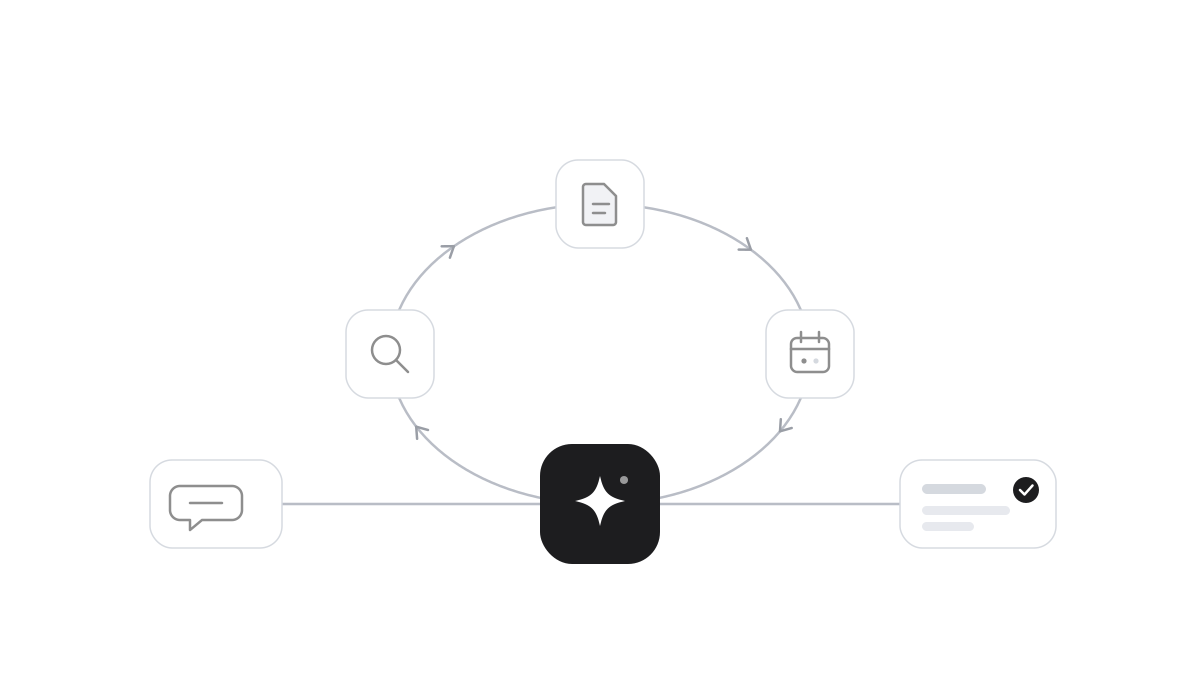
With those parts in place, the agent becomes a loop. The model receives the goal and the instructions. It chooses a tool, the software runs it and the result is sent back. The model reads the result and chooses the next step, or finishes with an answer. This continues until the goal is reached or a condition stops it, such as a maximum number of steps.
In a fixed workflow, the code sets the order in advance. In an agent, the model decides which steps are needed. That brings flexibility for tasks where the path cannot be foreseen, and it makes the behaviour harder to predict. Anthropic, which develops language models, recommends starting with the simplest solution that works and choosing an agent only when the task calls for one.
There are many ways to build an agent, from platforms where instructions and tools are chosen in a form to frameworks where everything is written as code. Underneath, it is the same loop. What differs is how much is ready-made. However the agent is built, the same decisions remain: which model is used and where it runs, which material and tools the agent can reach, and when it should stop.
The boundaries decide what a mistake can cost
OWASP lists excessive agency among the top security risks for applications built on language models. The cause is usually that the agent has more tools than the task requires, broader permissions than the tools need or the right to act without anyone confirming.
Give the agent the tools the task requires and least privilege. Let actions with consequences wait for approval. Try new agents in a separate environment before they are connected to real systems, and log every tool call so it can be traced afterwards. How agents can be misled by hidden instructions, and how to deal with it, is covered in the risks of AI agents.
How it works in iSearch
The assistants in iSearch answer with sources, so you can see what each answer is based on. Role-based access controls which assistants and documents each person can reach. Sensitive changes require approval from a second person, and a tamper-evident audit log links each event to the one before. The language model can run in your own environment, and your data is never used to train models. We run iSearch for you in Sweden, in a dedicated environment for your organisation.
Read more about what a language model is and about security, or book a walkthrough.
Sources: Anthropic, Building effective agents (2024)Anthropic, tool use documentationAnthropic, Messages API documentationLewis et al., Retrieval-Augmented Generation (2020)OWASP, LLM06 Excessive Agency
Want to see how it would work for you?
We’ll show you iSearch with your own documents.