Permissions in AI decide who sees what
An AI assistant that can read everything can also answer about everything. That is why it must follow the same permissions as the rest of the organisation. Otherwise it becomes a shortcut around the rules.
 iSearch
Contents
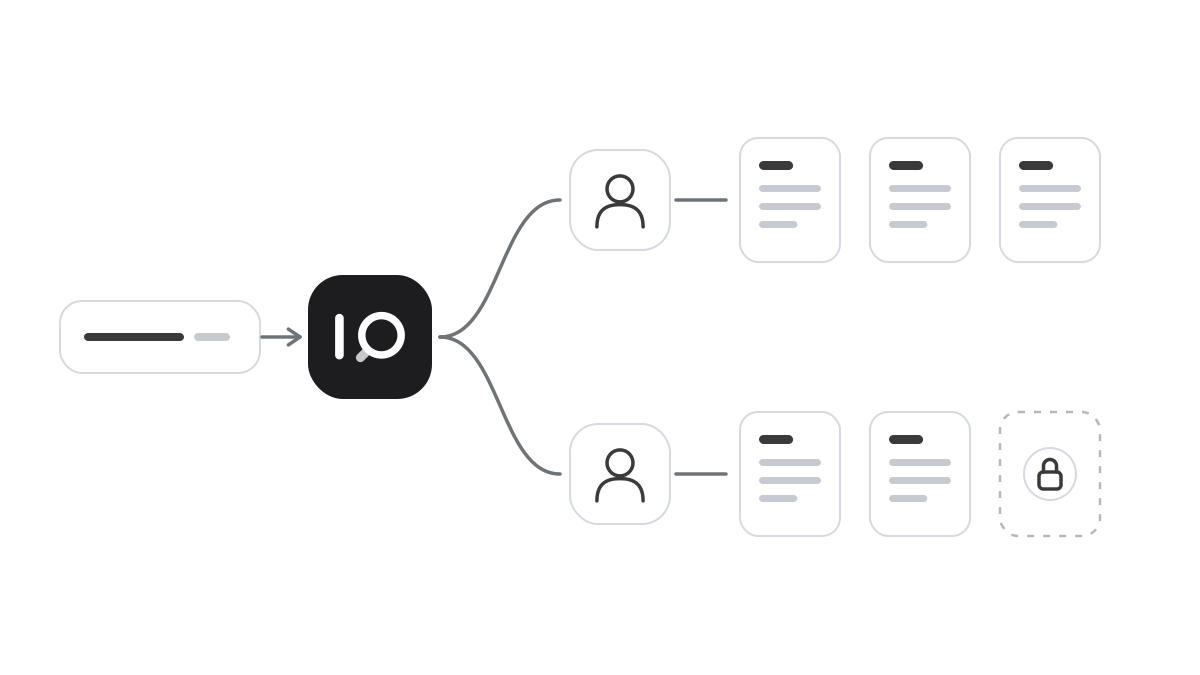
In most organisations it is obvious that not everyone sees everything. Salaries, HR cases, contracts and customer data have permissions of their own, and they took years to build. An AI assistant can undo that in an afternoon. If it has read everything and answers everyone, it no longer matters which folders were locked.
A shortcut nobody meant to build
Picture an assistant given access to all of the organisation’s documents, so that it can be as helpful as possible. Someone asks, mostly out of curiosity, what a colleague earns. The assistant finds the payroll list and answers.
Nobody broke in anywhere. The assistant did exactly what it was built to do. The mistake was that it could see more than the user, and that nobody thought about it when the material was connected.
That is why there is one principle that cannot be negotiated away. An AI assistant must never give users access to anything they are not already allowed to see. It should be a faster way to find things, never a way around the rules. That sounds obvious, but it requires permissions to be built in from the start rather than added later.
Roles instead of exceptions
The foundation is that staff sign in with the account they already have, using SSO and two-step verification. When someone leaves, access ends in the same place as everything else, and a stolen password is not enough to get in.
Then the role decides what each person can see and do. With RBAC, nobody has to set up each person individually. When someone changes jobs, access changes with the role, and it is easy to see who reaches what. Organisations change all the time, and permissions must keep up.
Just as important, each assistant gets defined material. An HR assistant should read the staff handbook, not the payroll data. HR can have its own assistant with broader material that only HR can reach. It often turns out that each task needs far less material than expected, and that is good. Less material means sharper answers and lower risk.
Changes to roles, sign-in rules and retention periods are sensitive in themselves. They should require approval from a second person, so nobody can open up more than intended on their own.
Share knowledge without losing control
Knowledge is worth more when it is shared, but sharing needs rules. Whoever owns a collection of documents should decide who may use it. The recipient should be able to connect the material to their assistant but not overwrite the original, and it should be possible to see who has access.
Permissions are still only half the protection. The other half is being able to see what happened. A tamper-evident audit log shows who did what and when, and later changes are visible. Connected to the SIEM your security team already uses, the AI assistant becomes part of normal monitoring.
How it works in iSearch
In iSearch, staff sign in with SSO and MFA, and role-based access decides what each person can see and do. You choose which knowledge banks each assistant may read. The owner of a knowledge bank decides who may use it, and write access stays with the owner.
Sensitive changes require the four-eyes principle, and everything is recorded in a tamper-evident audit log. The whole chain can run in your own environment, the language model included.
Read more about security, see how the product works or book a walkthrough.
Want to see how it would work for you?
We’ll show you iSearch with your own documents.