How to keep the knowledge when experienced staff leave
Every organisation has them. The colleagues everyone asks, who know how things are usually done and where the answer is. When they retire or change jobs, they take a lot with them. It does not have to be that way.
 iSearch
Contents
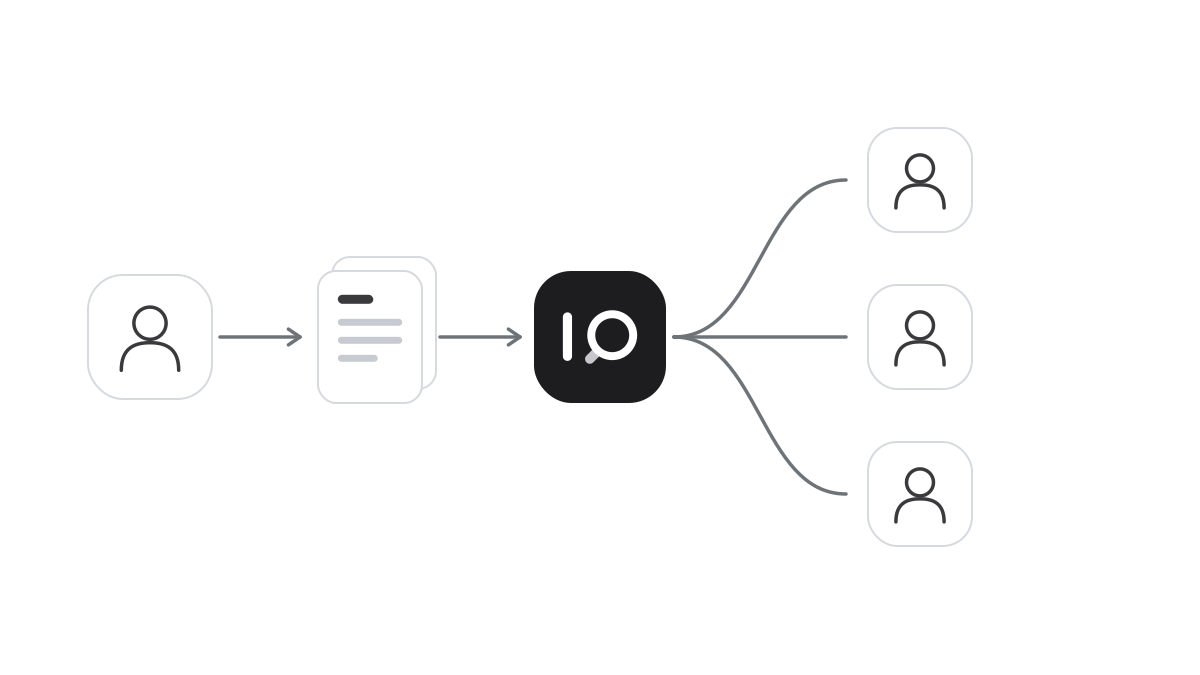
It is Friday and Anna is on her last day after twenty years. There is cake in the staff room and a speech from her manager. Everyone knows she will be missed, but it is only the week after that they realise how much. How were those unusual cases handled again? Which template applies to a certain contract? Anna was always the one you asked.
Nobody did anything wrong. Anna was simply the one who knew. And much of what she knew lived in her head, or in documents only she could find.
Knowledge held by one person
In most organisations, a large share of the knowledge sits with a few people. That is convenient while they are there. Questions go to them, they answer quickly and work keeps moving. But it makes the organisation vulnerable. When that person is ill, on holiday or leaves, others are stuck.
Often the answers are actually written down somewhere. In a routine, a handbook, an old decision or an email that became an instruction. The problem is that nobody else knows where. The experienced colleague has the knowledge and also knows where it lives.
That map is what disappears when she leaves. The documents stay, but the way to them is lost.
Make the documents the answer
An AI assistant that answers from your own documents makes the map unnecessary. Someone with a question asks it in plain words, much as she would have asked Anna. The assistant searches routines, handbooks and templates and writes an answer. Beneath it are the documents it is based on, so the person asking can open them and read for herself.
That changes who has access to the knowledge. A new starter gets the same answer as someone with years in the job. A stand-in finds things as quickly as the person they cover for. And everyone gets the same answer, because it comes from the same material. We describe how sources build trust in the article on AI answers with sources.
The experienced colleague benefits too, while she is still there. She is no longer interrupted with the same questions and can spend her time on what genuinely needs her experience.
Write down what only lives in someone’s head
An assistant can only answer from what has been written down. So it is wise to use the time before someone leaves. Ask the experienced colleague to go through the questions she gets most often. Which answers are already in a document? Which exist only in her head?
What is missing can be written down, briefly and concretely. One page on how the unusual cases are handled is worth more than a long handover nobody reads. Then connect the documents to the assistant and let someone who is taking over try asking. When an answer is wrong or incomplete, you know what needs adding.
Make it a habit, also when nobody is leaving. Every time someone gets the same question for the third time, it is a sign the answer should be written down. Give every collection of documents an owner who keeps it current. We describe how to approach that step by step in the article on rolling out AI search.
Then the knowledge stays in the organisation. And when the next colleague moves on, there is cake in the staff room, but no hole in the work.
How it works in iSearch
In iSearch you create assistants that answer from your own knowledge banks, and every answer shows which documents were read. Knowledge banks can be shared between teams, and write access stays with the owner. The assistants are available on desktop and mobile.
The whole chain can run in your own environment, the language model included, and your data is never used to train models.
See how iSearch is used, read about the product or book a walkthrough.
Want to see how it would work for you?
We’ll show you iSearch with your own documents.