Tenders and proposals with AI in your own style
A tender rarely starts from scratch. The best material is often in your earlier tenders. With an AI assistant that reads them, it becomes easy to find and reuse, in your own style.
 iSearch
Contents
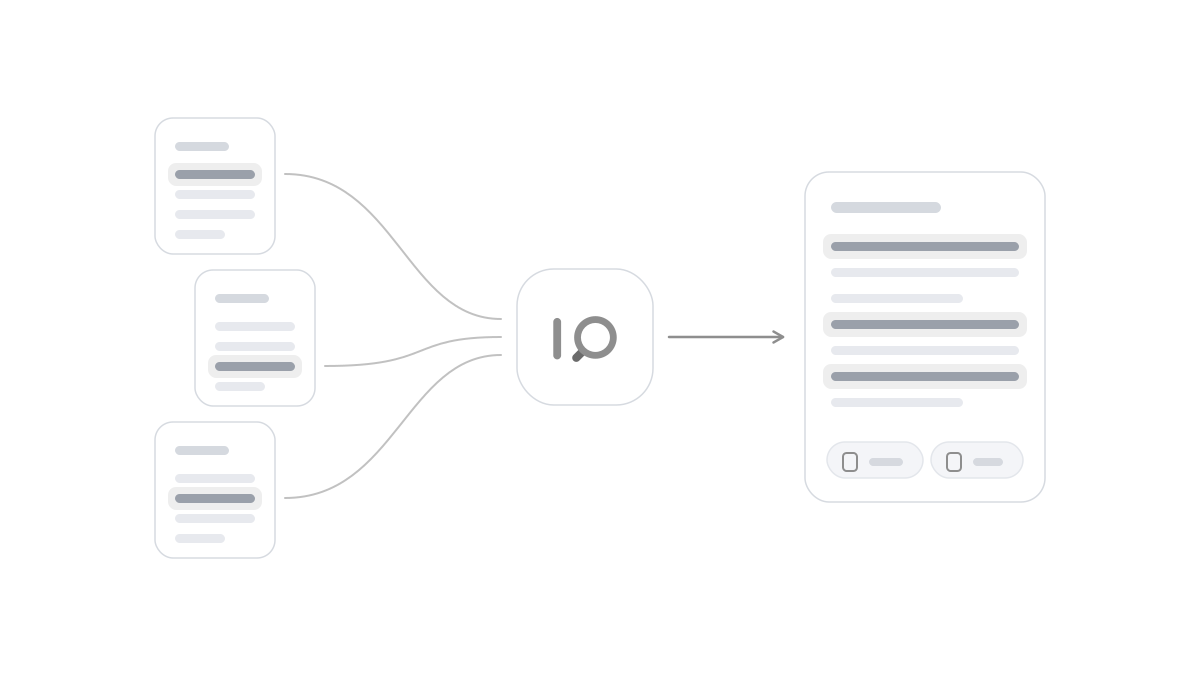
Tender work often has a clear rhythm. A request for tender arrives, time is short and many of the questions resemble ones you have answered before. The description of your method, your quality work, reference assignments and organisation already exists, in earlier tenders sitting in a folder or with the person who wrote them. Even so, a lot gets rewritten from scratch, because finding the best version takes time.
The same goes for proposals. Pricing models, terms and descriptions of the delivery come back again and again, but each time someone has to dig out the latest version and make sure it is still correct.
Find what you have already written
An AI assistant connected to your earlier tenders, templates and method texts makes that material searchable with ordinary questions. How did we describe our quality work in last year’s framework agreement? Which reference assignments do we have in the public sector? The assistant answers and shows which document and which section the answer comes from, so you can go straight to the original.
It also makes the tender team less vulnerable. When the person who wrote the best texts is busy or has left, the wording is still there and can be found.
The assistant can also help when a new request for tender comes in. Connect the documents, ask about the requirements and ask for a summary of what has to be attached. It quickly becomes clear which parts you already have good texts for and which need to be written fresh.
Write in your own style
A good tender sounds like you. The terms, the tone and the way you describe your method have often grown over a long time and are part of how the customer sees you. An assistant that works from your own texts can produce drafts that follow the same style and use the same terms, and avoid the generic wording that makes tenders sound alike.
The draft is a starting point. You adapt it to the requirements in the request for tender, check the facts against the sources and take responsibility for what is submitted. Because every part points back to its material, review goes faster and it is easier to spot details that need updating, such as a reference that has become dated.
Confidential material
Tenders and proposals often contain information that should not spread, such as prices, calculations, terms and details about customers and references. Pasting that into public AI services is a risk you do not need to take. An internal tool should keep the material inside the organisation and show it only to the people working on tenders.
That requires clear permissions. The tender team can have access to earlier tenders and calculations, while other parts of the organisation see only the general templates. More people can then get help from the same assistant, without sensitive details reaching the wrong person.
How it works in iSearch
In iSearch you set up an assistant for tenders and connect it to your earlier tenders, templates and method texts. It finds earlier answers, produces drafts in your own style and always shows the source. You choose which documents the assistant reads and who may use it. The whole chain can run in your own environment, and your data never trains any models.
Read more about sensitive information in AI, about internal or public AI services and about how iSearch is used, or book a walkthrough.
Want to see how it would work for you?
We’ll show you iSearch with your own documents.