How to roll out AI search in your organisation, step by step
Rolling out AI search is less about technology and more about starting in the right place. Here is a six-step plan you can follow.
 iSearch
Contents
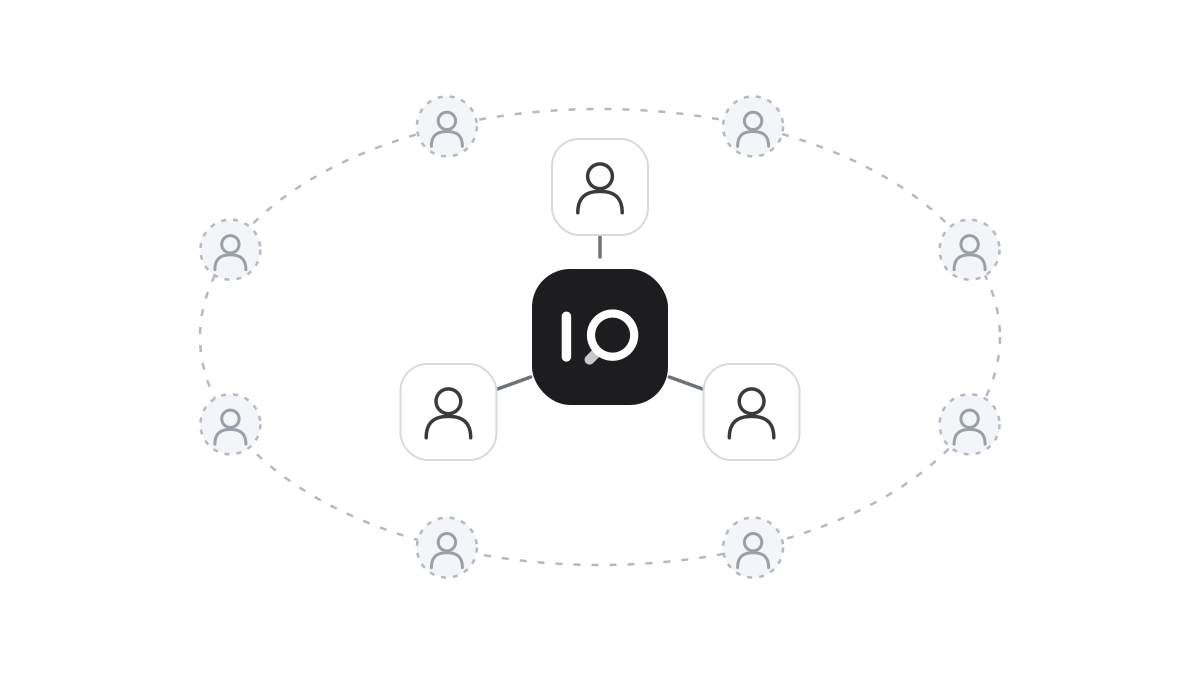
Most AI projects that stall start the same way. Someone decides the organisation should have AI, and as much as possible is connected at once. Every document, every department, every user. The result is an assistant that knows a little about everything and does not really help anyone.
It works better the other way round. Start small, with a clear task and a group that genuinely needs the help. Let the value show there, and build from it.
Start with a question asked every day
Do not start with “all the knowledge in the organisation”. Start with a question many people ask often, where the answer already exists in a document. How to handle a certain type of case. What applies to holiday. How a complaint should be processed.
A good first area has three traits. The material is reasonably gathered. The questions come often. And there is someone who answers them again and again today. Talk to that person. She knows exactly which questions come in and which documents hold the answers.
Then gather the material and look at it with a critical eye. Old versions, duplicates and drafts that never became decisions make it harder for the assistant to answer correctly. It is dull work, but it pays off immediately. The assistant will never be better than what it reads, and you often discover that the routines themselves needed a review.
Give the assistant a clear job
An assistant needs instructions, just like a new colleague. Who it answers, which tone to use and what to do when it cannot find the answer. Should it refer to a particular person? Should it say so when a question falls outside its area? Write it simply and concretely.
Think about access too. A customer service assistant does not need to read the finance department’s material. Each assistant should read only what belongs to its task, and access should follow people’s roles. That makes the answers better and the risk smaller.
Then let a small group begin. Five or ten people is enough. Ask them to use the assistant in their normal work and to say when an answer is wrong or incomplete. Every such signal is valuable. The cause is usually a missing document, or a routine that is unclearly written.
Let the value spread
When the first group notices they get answers faster, something happens. Others start asking whether they can have an assistant too. That is a far better position than sending a tool to everyone and hoping it gets used.
Take the next area the same way. The right material, clear instructions, a group that starts. After a few rounds, the organisation has several assistants that are each good at their own thing, and a habit of keeping the material current.
Do not forget to name owners. Every collection of documents needs someone responsible for keeping it up to date. That is what decides whether the assistant still gives the right answers a year from now.
How it works in iSearch
In iSearch you create assistants with their own instructions and connect them to the knowledge banks they need. A first assistant can be running within days. Knowledge banks can be shared between departments, and write access stays with the owner.
Role-based access controls who reaches what, and every answer shows which documents were read. The whole chain can run in your own environment, the language model included.
See how iSearch is used, read about the product or book a walkthrough.
Want to see how it would work for you?
We’ll show you iSearch with your own documents.