Review permissions before you introduce AI
An AI assistant that respects your permissions follows the permissions as they are. Whatever was shared too widely becomes easy to find. That is why it pays to review them before the material is connected.
 iSearch
Contents
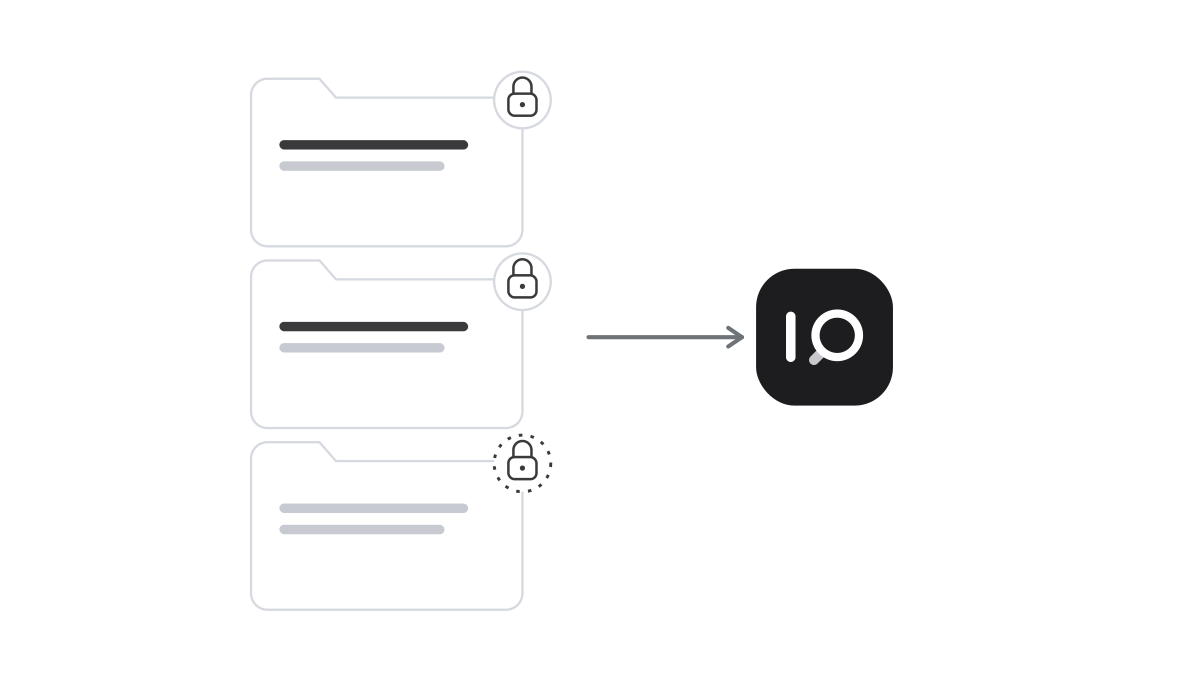
You can do everything right with an AI assistant and still be surprised. The assistant respects permissions, exactly as it should. But at some point someone shared a folder with the whole organisation, and in that folder sits a document that was never meant for everyone.
Before, it rarely came to light. People who did not know the document existed did not look for it. An assistant that searches everything a user is allowed to see can find it in seconds.
Why the problem shows up now
Most organisations have shared files for many years. Folders were created for projects that have ended, groups have grown and links have been sent to more people than intended. None of this is unusual, and most of it is harmless.
The difference is that an AI assistant compiles answers from the content. You do not need to know a document exists to get an answer from it. Someone asking about salaries, a reorganisation or an ongoing dispute can get an answer built on whatever happens to be accessible. The permissions work as configured. The configuration no longer matches how the information should be shared.
Where to start
You do not need to review everything. Start with what would do the most damage if the wrong person read it: HR cases, salaries and return-to-work cases, contracts, negotiations and trade secrets, information about customers, patients or clients, and board and management material.
Then look at where this information is stored and who can reach it. Three things tend to stand out: folders shared with the whole organisation, links that anyone with the link can open, and groups where nobody knows any more who the members are. Ask IT for help. Many systems for shared files can show which folders are widely shared and which links are open.
Start small
A safe way to introduce AI is to begin with a limited set of material. Choose the documents an assistant needs for a specific task and let it read only those. An assistant for onboarding new staff needs handbooks and procedures. The rest of the file server can wait.
The selection also brings something else. When you choose the material, you also see what is out of date, duplicated or misplaced. The review makes the assistant safer and the answers better. Read more about how a rollout can work and about the principles of permissions in AI.
Make it a routine
The review is not a one-off task. People change roles, projects start and finish, and new folders are shared every week. Decide who owns each larger collection of documents and how often permissions are reviewed, for example after a reorganisation and when someone leaves. The owner knows best what belongs there and who needs it. Write the responsibility into your AI policy, and keep it in mind when you plan for knowledge when experienced staff leave.
How it works in iSearch
In iSearch, each assistant uses only the documents you have connected to it, and only the colleagues you give access can use it. You can start with a small, selected set of material and expand as you find time to review permissions. Role-based access control governs who can do what. The owner of an assistant can share it without granting write access. Recipients can ask questions, and the owner controls how the assistant is set up. A tamper-evident audit log shows who did what.
Want to see how it would work for you?
Tell us what you want to solve, and we’ll show you how iSearch can help.