What happens to our data when the contract ends?
It is easy to focus on the beginning. But the end is where you find out whether you can get your data out and have the rest deleted. What happens to your documents, questions and answers on the day the contract ends?
 iSearch
Contents
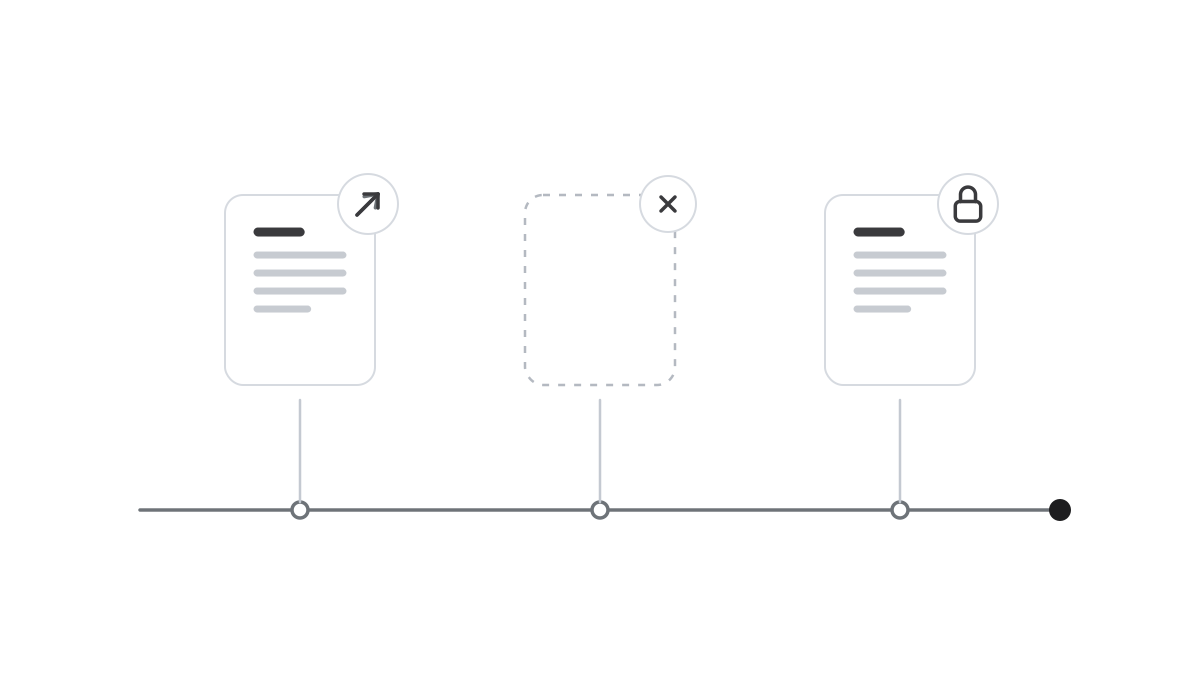
Nobody signs a contract expecting it to end. But every contract does, eventually. The organisation changes direction, needs change or another tool fits better. That is when a question comes up that should have been asked at the start. What happens to our data?
For an AI solution, there is more data to deal with than you might first think. It covers the documents the assistants read, but also the history of staff questions and answers, the instructions you have written and the logs of who did what. Some of it is sensitive, some of it you will want to take with you, and the rest should be deleted.
Where the data is decides almost everything
If the solution runs in your own environment, the data is already with you. There is no external party that needs to hand anything back, and nobody who has to delete anything on your behalf. The exit becomes an internal question of what to keep and what to remove.
If the supplier hosts it, the contract needs to be clear. Where is the data stored, in what form, and what happens to it when the assignment ends? If the supplier is a data processor, the data processing agreement should describe exactly that. Ask too how deletion is done, including backups, and how it is confirmed. It is an easy question to ask before signing and a much harder one afterwards.
Export, deletion and what must be kept
It must be possible to get out what you need. Think ahead about what that actually is. Original documents are often already with you, but instructions, logs and some history may need to be kept, for follow-up for example.
GDPR applies all the way, during the contract and after it. Personal data should not be kept longer than necessary. So it must be possible to export and erase data per user, and retention must be controllable per type of data. What should not be kept should be removed.
Sometimes data must not be deleted, for example if it is subject to a dispute or a review. With legal hold, selected data is exempt from deletion until the hold is lifted. It matters that this works at the end of a contract too, when it might otherwise be tempting to delete everything at once.
There is one thing that cannot be repaired afterwards. If your data has been used to train a model, it cannot be taken out again. That is why training is also an exit question, and the safest answer is that your data is never used for training, from day one.
Prepare the exit at the start
The simplest exit is prepared early. Decide who owns each collection of documents. Keep track of which assistants exist and what they are used for. Set retention periods from the start, instead of keeping everything just in case. Then you know what exists, where it is and what should happen to it, and the exit becomes a routine.
Do not forget the people. When a tool is retired, staff need to know what applies, which answers and drafts should be kept and where. A short message in good time stops anyone from saving sensitive data on their own.
How it works in iSearch
The whole chain in iSearch can run in your own environment, the language model included. Your documents, questions and logs are then with you from day one. Every customer gets a separate installation of its own.
Data can be exported and erased per user under GDPR, retention is set per type of data and legal hold is included. Your data is never used to train models.
Read more about security, see the product or book a walkthrough.
Want to see how it would work for you?
We’ll show you iSearch with your own documents.