The cost of not using AI
The most expensive question is often the one nobody sees. The time spent looking for a routine, waiting for a colleague or redoing something that already existed. It is not in the budget. But it is there every day.
 iSearch
Contents
When AI is discussed, the conversation is often about what it costs to introduce. Licences, hosting, time to get started. Fair questions. But there is another cost that is rarely counted, and it is often larger. The cost of leaving everything as it is.
Time that disappears without showing
Think of an ordinary week. A salesperson looks for the latest version of a contract and finds three. A customer service agent waits for a reply from the one colleague who knows how a particular complaint should be handled. A new starter asks the same thing as last week, because she cannot remember where the answer was. A manager prepares material someone already prepared in the spring, because nobody could find it.
Each of these takes a few minutes. But it happens all the time, for many people, and it is rarely noticed, because it is part of the everyday. It does not show in the budget or in any report. Yet the organisation pays for it every day.
Searching is only the first cost. The person being asked loses focus on their own work. When everyone searches on their own, decisions differ. New staff take longer to become independent. And when an experienced colleague leaves, part of the knowledge leaves with her, because it never existed anywhere but in her head.
Make it visible in your organisation
We will not give you a figure. It would say nothing about your organisation. But you can build your own picture, and it is simpler than it sounds.
Pick a group, customer service perhaps, or a department with many routines. Ask how often they look for information in a week and how long it usually takes. Ask them to list the questions that come up again and again, and who gets them. Then estimate carefully, time multiplied by people multiplied by weeks. The result is an estimate, but it is usually enough to change the conversation. The list of recurring questions is also an excellent starting point for a first assistant.
Count what is harder to measure, too. Customers who get the right answer the first time. Staff who no longer feel unsure. You cannot put a number on it, but it is often what decides whether a tool becomes part of everyday work.
What changes
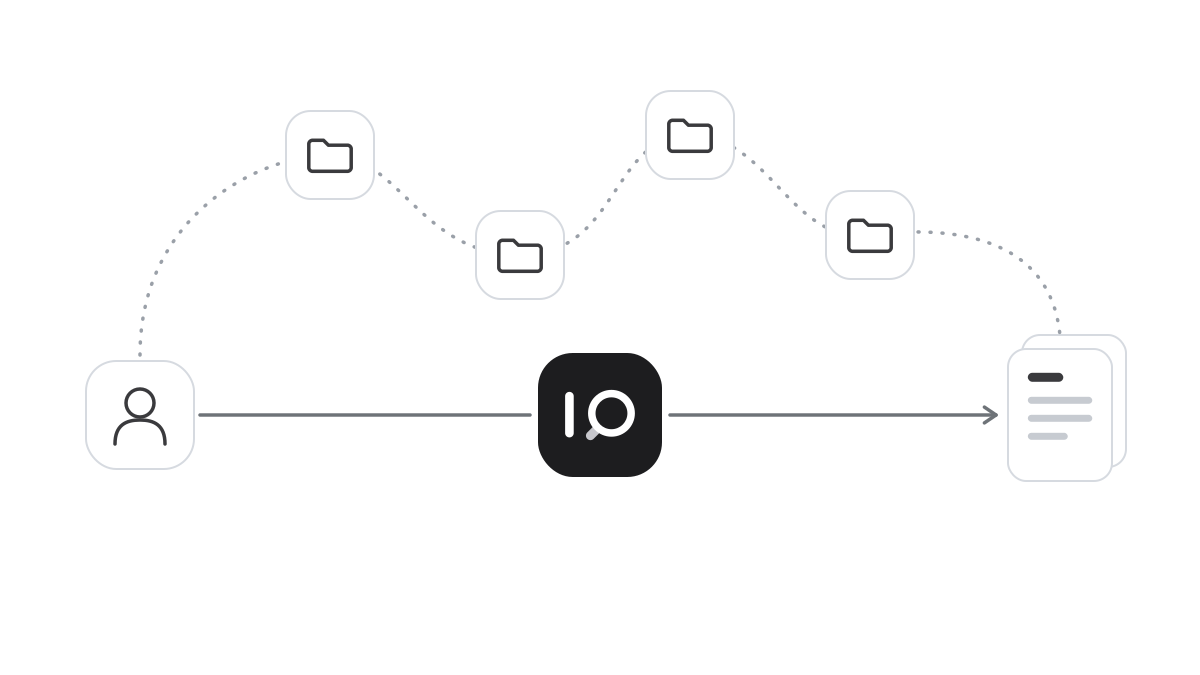
An assistant that answers from your own documents moves time from searching to working. The salesperson gets the right contract version straight away, with a link to the document. The colleague who knows about complaints is no longer interrupted. The new starter finds things herself. And knowledge stays even when people move on.
It only works if the answers can be trusted. A tool that gives wrong answers costs more than it saves. So answers must come from your own, current documents and show their source, and the tool must be where the work happens. Waiting carries a risk too. If the organisation offers no tool of its own, people find one themselves, often in public services, and then it costs control over the data.
How it works in iSearch
iSearch gives you assistants that answer from your own documents and show which documents were read. You write the instructions and choose the material, and the assistants are available on desktop and mobile.
The whole chain can run in your own environment, the language model included, and your data is never used to train models.
See how iSearch is used, read about the product or book a walkthrough.
Want to see how it would work for you?
We’ll show you iSearch with your own documents.